
This manual describes how to use the DVD-2910 DVD Audio-Video / Super Audio CD Player.
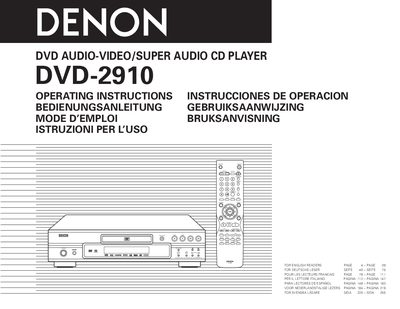
This manual provides complete operating instructions for the Denon DVD-2910 DVD Audio‑Video / Super Audio CD Player. It covers safety warnings, connections, remote‑control functions, disc loading, default‑setting adjustments, and detailed playback options such as Pure Direct mode, Super Audio CD setup, picture quality tuning, and multi‑language audio/subtitle selection.
The guide also lists supported disc formats, region restrictions, and maintenance tips, including disc‑cleaning procedures and vibration‑resistant design features. Troubleshooting steps and main technical specifications are provided at the end of the document.
| Super Audio CD channel support | up to 5.1 channels |
|---|---|
| Audio D/A converter | 24‑bit/192 kHz |
| Video D/A converter | 12‑bit/216 MHz |
| Region code (European model) | Region 2 |
| Audio decoders | Dolby Digital and DTS |
The European model plays Region 2 discs, while the Oceanian and South American model plays Region 4 discs.
Press the PURE DIRECT button on the remote control or the front panel to enable Pure Direct mode.
Use a commercially available disc‑cleaning set or a soft cloth, wiping gently from the middle outward without circular motions.