
DVD-3800 is a DVD audio-video player from Denon. It supports high-definition video playback and multiple audio and subtitle file formats. It supports slow motion, fast forwarding, pausing, and playback.
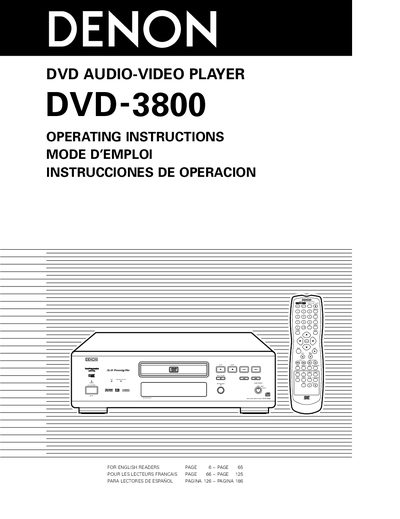
This manual covers safety precautions, proper handling, and installation of the Denon DVD-3800 DVD audio‑video player. It explains how to connect the unit, use the remote control, and configure default settings, while emphasizing warnings about moisture, power‑cord handling, and ventilation.
Detailed sections describe supported disc formats, playback functions such as Pure Direct mode, Dolby Digital/DTS decoding, HDCD decoding, and picture quality adjustments. Troubleshooting tips and a service station list are also included to help users resolve common issues.
| Audio Processing | AL24 Processing Plus |
|---|---|
| Audio D/A Converter | Multi 24‑bit D/A converter |
| Video D/A Converter | 12‑bit / 108 MHz video D/A converter |
| Audio Decoders | Dolby Digital (AC‑3) / DTS decoder |
| HDCD Decoder | HDCD (High Definition Compatible Digital) decoder |
| Progressive Scan Circuit | Pure Progressive™ |
| Region Code | Region 1 |
Read all safety instructions, keep the unit away from moisture, water and dust, use only the supplied power cord, do not open the top cover, and ensure proper ventilation.
Select the ‘Changing the Default Settings’ menu from the on‑screen display using the remote control to adjust preferences such as language, subtitle, and picture settings.
Pure Direct mode disables video processing and certain audio enhancements to provide a direct signal path for the highest possible sound quality.