
This document provides operating instructions and precautions for the REMOTE SENSOR DVD AUDIO-VIDEO PLAYER DVD-A1. This DVD player has various functions and options, such as power on/off, open/close disc, select audio source, etc. It also features high-quality DVD audio with AL24 PLUS technology and pure direct mode. The document provides detailed instructions and setup steps.
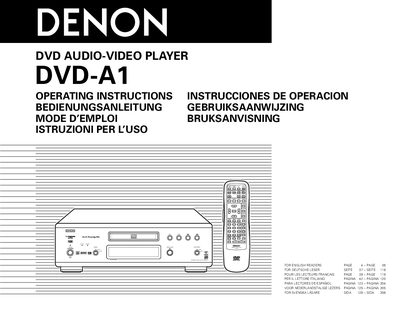
This manual covers safety precautions such as keeping the unit away from moisture, high temperatures, and foreign objects, and explains proper handling of the power cord. It also details disc handling, cleaning, and storage to prevent damage and ensure optimal playback.
Installation steps include connecting audio/video cables, setting TV type and aspect, and configuring audio channels. The guide describes the player’s features, menu functions, region compatibility, and supported disc formats, as well as troubleshooting tips and warranty information.
| Audio Converter | Multi 24‑bit D/A converter |
|---|---|
| Video Converter | 14‑bit/108 MHz video D/A converter |
| HDCD Decoder | Included |
| Surround Decoder | Dolby Digital (AC‑3) / DTS decoder |
| Supported Audio Languages | Up to 8 languages |
| Supported Subtitle Languages | Up to 32 languages |
| Region (Oceanian Model) | Region 4 |
The player can select up to eight audio languages.
Use a commercially available disc cleaning set or a soft cloth, wiping gently from the middle outward.
Hold the plug when unplugging the cord; do not pull the cord itself.