
This Quick Installation Guide provides instructions on how to unpack, load paper, and set up your Brother MFC-J6910DW All-in-One Printer.
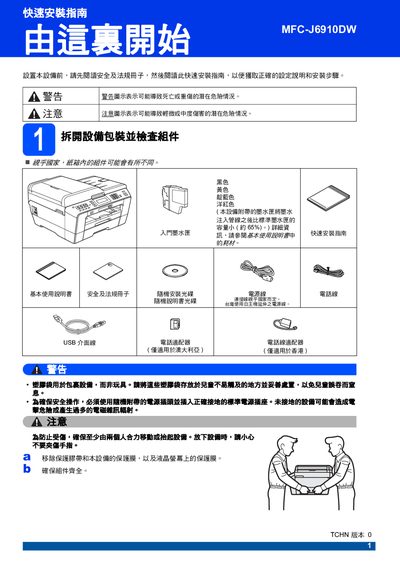
This guide walks you through the safe unpacking and initial setup of the Brother MFC-J6910DW multifunction printer. It includes important safety warnings, instructions for connecting power, telephone line and USB interfaces, and how to select the correct country settings.
Key procedures cover installing the ink cartridges, loading paper, configuring paper size and type, and restoring network settings to factory defaults. The guide also explains how to replace consumables and what to do when error messages appear. This manual is written in Chinese.
| Black ink cartridge model | LC73BK (high capacity) |
|---|---|
| Yellow ink cartridge model | LC73Y (high capacity) |
| Cyan ink cartridge model | LC73C (high capacity) |
| Magenta ink cartridge model | LC73M (high capacity) |
| Ultra‑high capacity black cartridge | LC77XLBK |
| Ultra‑high capacity yellow cartridge | LC77XLY |
Open the cartridge cover, remove the protective packaging, align the cartridge color with the slot, push until you hear a click, and close the cover.
Replace the low‑capacity cartridge with a new one; the printer will automatically start a cleaning cycle after installation.