
Key facts
- Manuals
- 3
- Languages
- EN · ZH
- Last added
- 2012-03-16
Featured MFC-J6910DW manuals
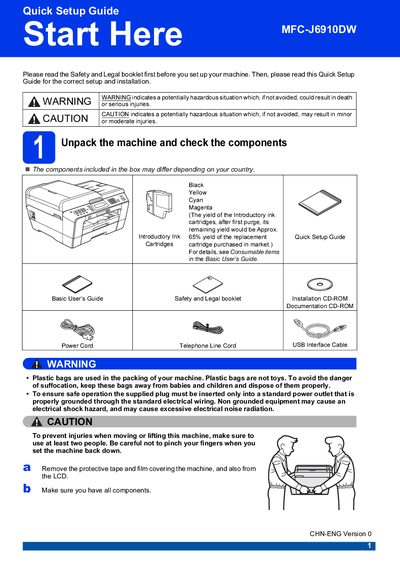
Brother MFC-J6910DW Quick Setup Guide
The Quick Setup Guide walks you through the initial installation of the Brother MFC‑J6910DW printer. It covers safety warnings, unpacking, loading paper, connecting power, telephone line, and network cables, and installing the introductory ink cartridges.
After the hardware setup, the guide explains how to configure paper settings, select a receive mode for fax, and perform a basic print‑quality check. It also provides information on replacement consumables and troubleshooting common setup issues.
Covers: Unpack the machine and check the components · Load plain A4 paper · Connect the power cord and telephone line · Install the ink cartridges · Check the print quality · Set the paper settings
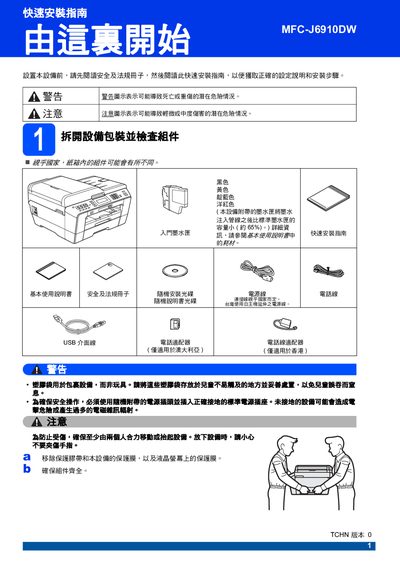
Brother MFC-J6910DW Quick Installation Guide
This guide walks you through the safe unpacking and initial setup of the Brother MFC-J6910DW multifunction printer. It includes important safety warnings, instructions for connecting power, telephone line and USB interfaces, and how to select the correct country settings.
Key procedures cover installing the ink cartridges, loading paper, configuring paper size and type, and restoring network settings to factory defaults. The guide also explains how to replace consumables and what to do when error messages appear. This manual is written in Chinese.
Covers: 快速安装指南 · 重要事项 · 安装墨水匣 · 设置纸张设定 · 设置国家 · 更换耗材
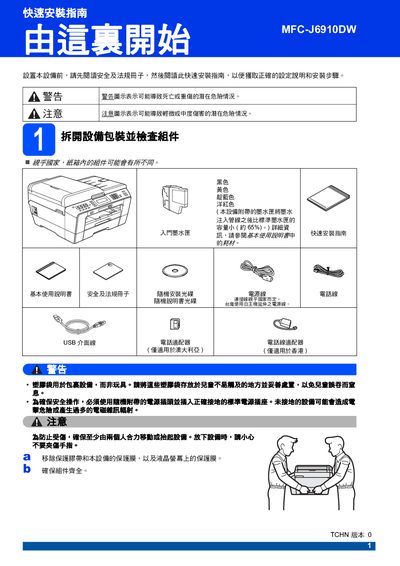
Brother MFC-J6910DW Quick Installation Guide
This guide walks you through unpacking the Brother MFC-J6910DW, connecting the power and telephone lines, setting the country, and loading paper. It includes safety warnings, instructions for installing and securing the ink cartridges, and how to perform a print‑quality check.
Additional sections cover paper‑size settings, network configuration, resetting the device to factory defaults, and replacing consumables such as ink cartridges. The manual also provides troubleshooting tips and contact information for Brother support. This manual is written in Chinese.
Covers: 快速安装指南 · 重要事项 · 安装墨水匣 · 设置纸张设定 · 更换耗材 · 适用网络用户
Latest MFC-J6910DW manuals
Brother MFC-J6910DW Quick Setup Guide
Quick Start Guide 38 pages · 5.3 MB · ENStep‑by‑step instructions for unpacking, installing ink cartridges, connecting power and network, and configuring the Brother MFC‑J6910DW multifunction printer.
Brother MFC-J6910DW Quick Installation Guide
Quick Start Guide 38 pages · 7.6 MB · ZHQuick installation guide with safety warnings, cartridge loading, paper setup and network configuration for the Brother MFC-J6910DW all‑in‑one printer.
Brother MFC-J6910DW Quick Installation Guide
Quick Start Guide 38 pages · 7.6 MB · ZHQuick installation guide with safety warnings, setup steps, paper loading, ink‑cartridge installation and network reset for the Brother MFC-J6910DW printer.
Which document do I need?
Quick Start Guide
The shortest path to a working setup, usually only a few pages.
Questions answered in MFC-J6910DW manuals
How do I connect the telephone line to the printer?
Connect one end of the telephone line cord to the socket on the machine marked LINE and the other end to a telephone wall socket.
What type of USB cable should I use for a USB connection?
Use a USB 2.0 Type A/B cable that is no longer than 2 metres.
How do I install the ink cartridges?
Open the cartridge cover, remove the protective packaging, align the cartridge color with the slot, push until you hear a click, and close the cover.
What should I do if the printer displays an error when an ink cartridge is low?
Replace the low‑capacity cartridge with a new one; the printer will automatically start a cleaning cycle after installation.