
This Quick Installation Guide provides instructions on how to remove the device from the box, install the ink cartridges and plain A4 paper, and connect the power cord and telephone line.
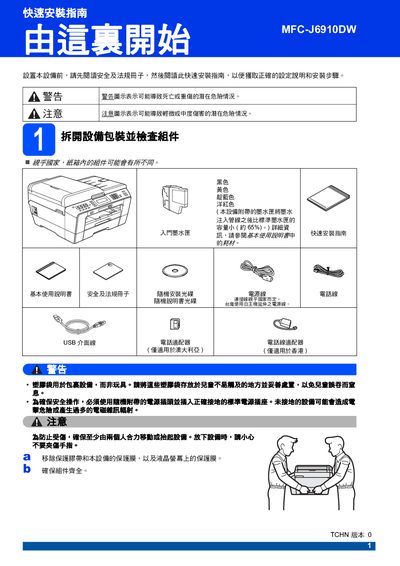
This guide walks you through unpacking the Brother MFC-J6910DW, connecting the power and telephone lines, setting the country, and loading paper. It includes safety warnings, instructions for installing and securing the ink cartridges, and how to perform a print‑quality check.
Additional sections cover paper‑size settings, network configuration, resetting the device to factory defaults, and replacing consumables such as ink cartridges. The manual also provides troubleshooting tips and contact information for Brother support. This manual is written in Chinese.