
This document introduces the installation steps and precautions of Windows Storage Server 2003
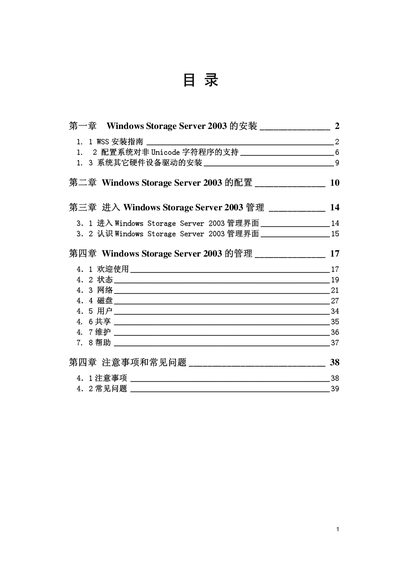
This manual provides step‑by‑step instructions for installing Windows Storage Server 2003, including pre‑installation checks, media preparation, and partitioning. It also covers basic configuration, management interface navigation, and common troubleshooting topics.
Additional sections describe how to add SCSI or RAID devices, configure Unicode support, and perform routine management tasks after the system is up and running. This manual is written in Chinese.
| Installation media | 3.5" floppy disk |
|---|
The manual explains the installation steps, starting with preparing the installation media, booting from it, and following the on‑screen prompts to set up partitions and complete the setup.
Before installing, ensure the hardware platform is ready, copy the required installation files to a 3.5" floppy, and verify that the system meets the prerequisites.
If RAID or SCSI devices are needed, select the option to add them during the setup process as described in the manual.
The guide includes a section on enabling Unicode support for non‑Unicode applications by adjusting system settings after installation.