
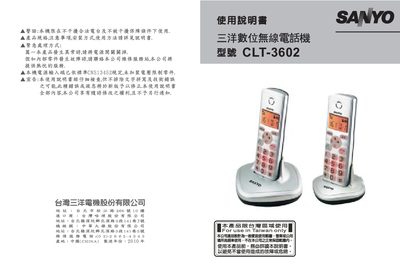
This manual covers the technical specifications of the CLT-3602 wireless telephone, including its frequency range of 1.88‑1.90 GHz, power output under 250 mW, GFSK modulation, and dimensions of 132.1 × 132.1 × 68.5 mm. Battery requirements and power consumption details (7.5 V, 300 mA) are also listed.
The document explains how to use the device’s menu system, manage the phone book (add, delete, CID book), configure HS settings, enable auto‑answer, select tones and melodies, and adjust language options. Each function is described with the corresponding key sequences shown in the text.
| Frequency range | 1.88~1.90 GHz |
|---|---|
| Dimensions (mm) | 132.1 × 132.1 × 68.5 |
| Battery voltage / current | 7.5 V, 300 mA |
Select “ADD TO PB” from the menu to store a new contact.
Use the “AUTO ANSWER ON/OFF” option in the menu.
Choose “DELETE ALL” and confirm the prompt.
Select the “LANGUAGE” option in the menu to change the display language.