
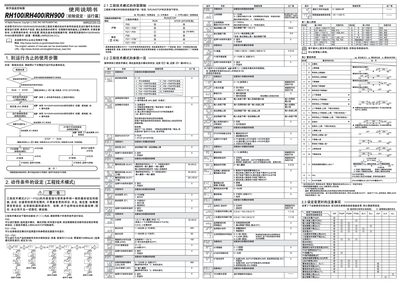
This manual provides detailed instructions for the RKC RH100, RH400, and RH900 digital temperature controllers. It covers initial configuration, wiring, and the use of engineering mode settings.
Key functional sections include RUN/STOP switching, automatic calculation (AT), start‑up calculation (ST), POST calculation, and how to disable the linking function. Safety notes, parameter limits, and environmental compliance information are also included. This manual is written in Chinese.
| Environmental compliance | RoHS 6‑substance limits |
|---|
You can switch using the front panel button or by setting the RUN/STOP state in engineering mode.
AT automatically calculates and sets PID constants based on the set temperature, useful for PID control.