
This document is the manual for Panasonic DMC-GF1 camera's live viewfinder
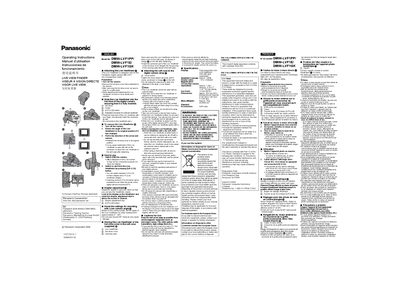
The Panasonic DMW-LVF1 Live Viewfinder operating instructions explain that the unit is designed only for the Panasonic digital camera DMC-GF1 as of September 2009. They cover turning off the camera, removing the hot shoe cover, sliding the viewfinder into the hot shoe, inserting the dedicated connector, and removing it by pulling in the direction of the arrow.
Use the [LVF/LCD] button to switch between LCD monitor and Live Viewfinder display, and rotate the diopter adjustment dial until the screen is clearest. The angle can be set from approximately 0° to 90° for low-angle recording; do not open beyond 90°. The guide also covers the supplied soft case, cleaning, storage, cautions for use, and specifications.
| Display | Field sequential color LCD viewfinder (202,000 dots equivalent) |
|---|---|
| Viewfinder Coverage | Approx. 100% |
| Eye Point | 13 mm (9/16q) |
| Dimensions | Approx. 28.4 mm (W)k 42.9 mm (H)k41.5 mm (D) |
| Mass (Weight) | Approx. 24 g (0.8466 oz) |
| Standard Accessories | Soft Case |
It is designed only for the Panasonic digital camera DMC-GF1 as of September 2009.
Turn the camera on, then press the [LVF/LCD] button to switch between LCD and LVF display.
No. The Live Viewfinder cannot be used with an external flash.
Store it in the supplied soft case after detaching, keeping the connector clean.