
This manual describes the installation steps for the BB-HCM527 and BB-HCM547 network cameras.
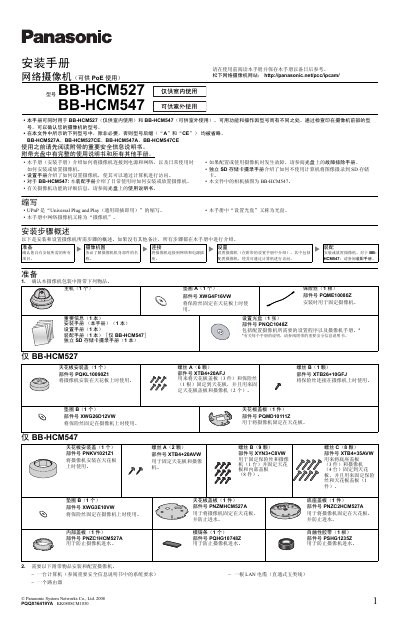
This guide explains how to install and configure Panasonic BB-HCM527 (indoor) and BB-HCM547 (outdoor) network cameras. It includes a checklist of required items, step‑by‑step mounting instructions, wiring diagrams for PoE or optional AC adapters, and basic configuration steps.
The document also details the external I/O interface, power specifications, and safety precautions for ceiling mounting, cable routing, and environmental considerations such as water‑proofing and exposure to sunlight. This manual is written in Chinese.
| Power Options | PoE or optional AC adapter (BB‑HCA3A/BB‑HCA3CE/BB‑HCA3E) |
|---|---|
| External I/O Ports | 6 ports (including 2 sensor inputs, 1 control output, 1 DC power output, etc.) |
| DC Power Output Voltage | 10.5‑13 V DC |
| DC Power Output Max Load | 100 mA |
| Recommended LAN Cable | Straight‑through Category‑5 (5‑class) cable |
No, BB‑HCM527 is for indoor use only; outdoor installation is only supported by BB‑HCM547.
The cameras can be powered via PoE or with an optional AC adapter (models BB‑HCA3A, BB‑HCA3CE, or BB‑HCA3E).
The camera provides six external I/O ports for sensors, control outputs, and audio/video connections.
A straight‑through Category‑5 (5‑class) Ethernet cable is required for PoE power and data.