
VQT2M73 is a remote control provided by Panasonic for HDC-SD60GK/HDC-TM60GK/HDC-HS60GK. It has AV and USB interfaces, which can be connected to AV devices and USB devices.
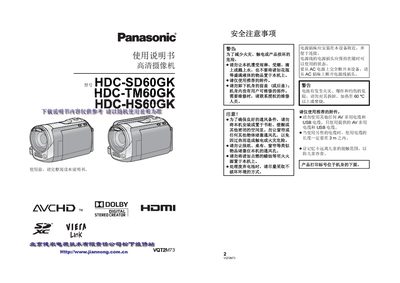
This manual covers safety precautions such as keeping the camera dry, using only the supplied AC adapter and Panasonic‑approved batteries, and proper handling of the built‑in HDD and memory cards. It also explains how to install and remove the battery, connect HDMI, USB, and AV cables, and use the LCD touch screen.
Detailed sections describe recording modes for motion pictures and still images, playback functions, advanced features like optical image stabilization, and how to connect the camera to a TV or PC for video playback, file transfer, and firmware updates. This manual is written in Chinese.
| Built‑in Flash Memory | 16 GB |
|---|---|
| Built‑in HDD Capacity | 120 GB |
| Supported Memory Cards | SD, SDHC, SDXC |
| AC Adapter Model | VSK0713 |
Press the MENU button, then touch SETUP > LANGUAGE and select English.
Power turns on when the LCD monitor is opened and turns off when it is closed.