
A user manual for Canon E-20 digital camera, which introduces the camera's performance, functions and usage methods.
The CAMEDIA E-20 is a digital SLR‑style camera aimed at professional photographers, publishers and advertising creators. It features a high‑resolution CCD sensor, a versatile 9–36 mm f2.0–f2.4 lens and fast shutter speeds for both stills and continuous shooting.
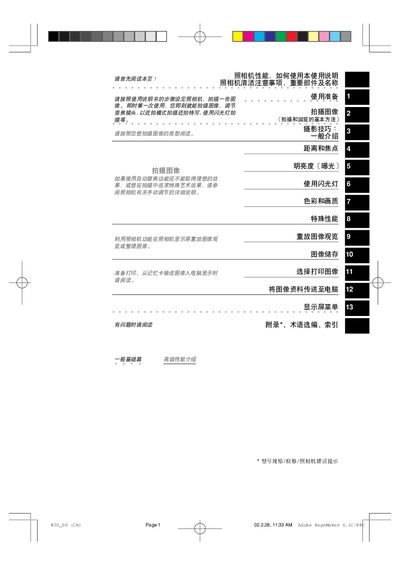
This manual covers all essential topics, including how to install batteries and memory cards, basic shooting modes, autofocus and manual focus operation, flash usage, image playback, cleaning procedures, and transferring photos to a computer via USB. It also provides photography tips and troubleshooting guidance. This manual is written in Chinese.
| Effective pixels | ≈4,950,000 |
|---|---|
| Battery options | 5 types |
Use a standard camera lens brush and a dedicated lens cleaning cloth or lens paper to remove dust and debris.
If the battery is removed for more than a month, the date and time revert to the factory defaults and must be reset.
Connect the camera to a computer using the built‑in USB interface for simple data transfer.