
This is an Olympus lithium battery pack that supports CR-V3, AA NiMH, AA Alkaline, NiCd batteries. Please refer to the instructions manual when using.
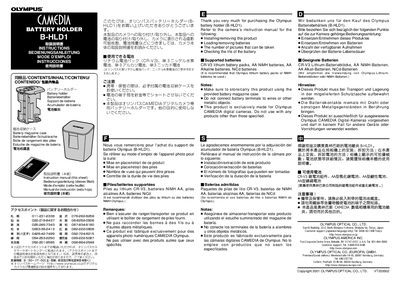
This document provides instructions for the Olympus B-HLD1 battery holder. It details how to install or remove the product from a camera and how to load or unload batteries. Users are directed to refer to the main camera manual for information regarding picture count limits and checking battery life.
The guide specifies compatible battery types, including CR-V3 lithium packs, AA NiMH, AA Alkaline, and NiCd batteries, recommending Olympus-branded options. It also lists important safety notes, such as storing the holder in its provided case to prevent short circuits.
The B-HLD1 supports CR-V3 lithium battery packs, AA NiMH batteries, AA Alkaline batteries, and NiCd batteries.
It is a battery holder exclusively made for Olympus CAMEDIA digital cameras.
The holder supports CR-V3 lithium battery packs, AA NiMH batteries, AA alkaline batteries, and NiCd batteries.