
Key facts
- Manuals
- 3
- Languages
- ZH
- Last added
- 2012-06-08
Featured CAMEDIA manuals
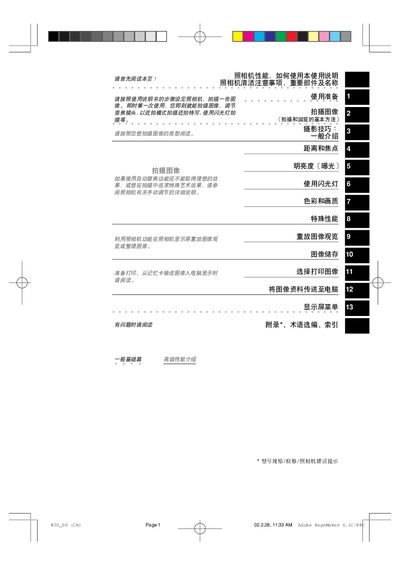
CAMEDIA E-20 User Manual
The CAMEDIA E-20 is a digital SLR‑style camera aimed at professional photographers, publishers and advertising creators. It features a high‑resolution CCD sensor, a versatile 9–36 mm f2.0–f2.4 lens and fast shutter speeds for both stills and continuous shooting.
This manual covers all essential topics, including how to install batteries and memory cards, basic shooting modes, autofocus and manual focus operation, flash usage, image playback, cleaning procedures, and transferring photos to a computer via USB. It also provides photography tips and troubleshooting guidance. This manual is written in Chinese.
Covers: CAMEDIA E-20的性能 · 如何使用本使用说明 · 照相机清洁注意事项 · 重要部件及名称 · 装上电池和安装 · 拍摄图像(拍摄和回览的基本方法)
Latest CAMEDIA manuals
CAMEDIA BATTERY HOLDER B-HLD1 Manual
This is an Olympus lithium battery pack that supports CR-V3, AA NiMH, AA Alkaline, NiCd batteries. Please refer to the instructions manual when using.
CAMEDIA E-10 Quick Start Guide
This document is a Quick-Start Guide for the Olympus E-100RS camera by OLYMPUS OPTICAL CO. (EUROPA) GMBH. The guide is designed to help users quickly familiarize themselves with the E-100RS camera and provides information on part names and operating procedures.
CAMEDIA E-20 User Manual
User Manual 212 pages · 18 MB · ZHThe CAMEDIA E-20 user manual provides step‑by‑step instructions for operating, cleaning, and managing images with the digital camera.
Which document do I need?
User Manual
Day-to-day operation, settings and troubleshooting. Start here if the product is already set up.
Questions answered in CAMEDIA manuals
How should I clean the camera lens?
Use a standard camera lens brush and a dedicated lens cleaning cloth or lens paper to remove dust and debris.
From: CAMEDIA E-20 User Manual
What happens to the date and time settings after the battery is removed for a long period?
If the battery is removed for more than a month, the date and time revert to the factory defaults and must be reset.
From: CAMEDIA E-20 User Manual