
FUJI FINEPIX Z35/Z37 digital camera user manual(1)(1)

This is an instruction manual that describes how to use the FUJIFILM FinePix Z35 or Z37 digital camera and the supplied software.
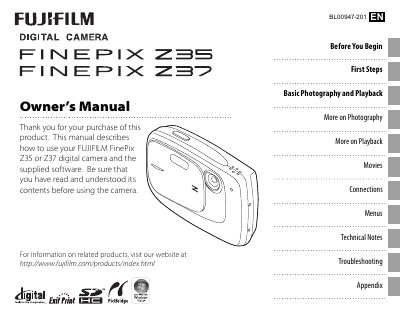

FUJI FINEPIX Z35/Z37 digital camera user manual(1)(1) - cover page
Brand
FUJI
Category
Digital cameras
Document type
User Manual
Language
English
Pages
106
File format
PDF
File size
5 MB
Published
15 March, 2012
Updated
30 September, 2023
MD5 checksum
9DC53554A01EFB56C3D1461740A40A89

About this manual

This manual provides step‑by‑step instructions for using the Fujifilm FinePix 235 and 237 digital cameras. It includes information on initial setup, menu navigation, shooting modes, playback functions, and how to connect the camera to a TV or computer.

Additional sections cover troubleshooting, safety precautions, and detailed care instructions to keep the camera in good condition during storage, travel, and everyday use.

What's inside

  • About This Manual
  • CameraQ&A
  • Camera Setup
  • Sharing Pictures
  • Taking Pictures
  • Viewing Pictures
  • Connections
  • Menus
  • Technical Notes
  • Troubleshooting

Frequently asked questions

How do I set the camera clock?

Use the Date and time setting in the Setup menu.

How can I keep the monitor from turning off automatically?

Adjust the Auto power off option in the Setup menu.

How do I view my pictures on a TV?

Connect the camera to a TV using the appropriate cable and select the TV output option.

How do I protect my pictures from accidental deletion?

Enable the Protect function in the Playback menu.

Download PDF (5 MB)

More FUJI Manuals


View all FUJI manuals →