
UEFI SETUP UTILITY is stored on the UEFI chip on the motherboard. Users can run UEFI SETUP UTILITY when the computer is started. The main screen shows the system overview, and the system browser allows you to easily check your current system configuration in UEFI SETUP UTILITY. In the overclocking interface, you can set overclocking functions.
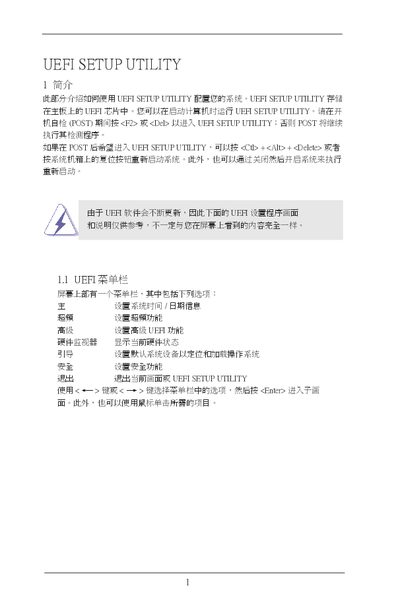
The document provides step‑by‑step instructions for entering the UEFI Setup Utility, using the navigation keys, and accessing the various configuration screens such as the main screen, overclocking screen, advanced settings, CPU configuration, and safety options. It also describes how to load default values, enable features like Intel Turbo Mode, and adjust DRAM timings.
Additional sections cover saving or discarding changes before exiting, using the instant flash utility to update UEFI firmware, and troubleshooting messages that may appear during configuration. The guide is intended for users configuring ASRock motherboards via the UEFI interface. This manual is written in Chinese.
Press during POST, or press Ctrl+Alt+Delete, or use the dedicated key combination shown on the motherboard.
Select the option to save changes (e.g., press