
Key facts
- Manuals
- 7
- Languages
- ZH
- Last added
- 2012-06-04
Featured UEFI manuals
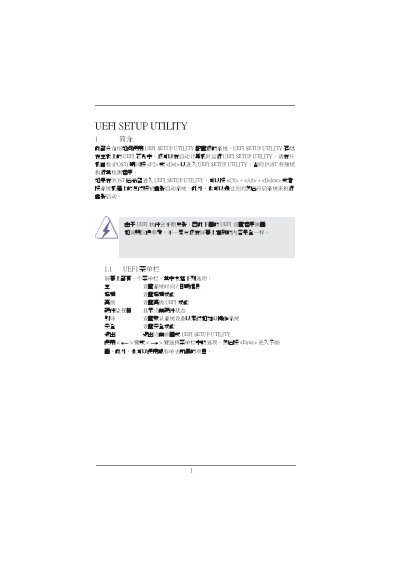
UEFI SETUP UTILITY User Manual
The UEFI SETUP UTILITY is stored in the motherboard's UEFI chip and can be launched during the Power‑On Self‑Test by pressing <F2> or <Del>, or later with <Ctrl>+<Alt>+<Delete>. The utility provides a menu bar with options for system time, date, over‑clocking, advanced features, hardware monitoring, boot configuration, security and exit.
Each menu leads to sub‑screens where you can adjust CPU ratios, PLL over‑voltage, Intel SpeedStep, Turbo Boost limits, DRAM timings, voltage settings, fan speeds, boot device order and security passwords. Default values can be restored with <F9>, and changes are saved with <F10>. The document also describes the Instant Flash tool for updating the UEFI firmware. This manual is written in Chinese.
Covers: Introduction · How to Enter the Utility · Navigation Keys · Main Screen Overview · Over‑clocking Settings · Advanced Power & CPU Options
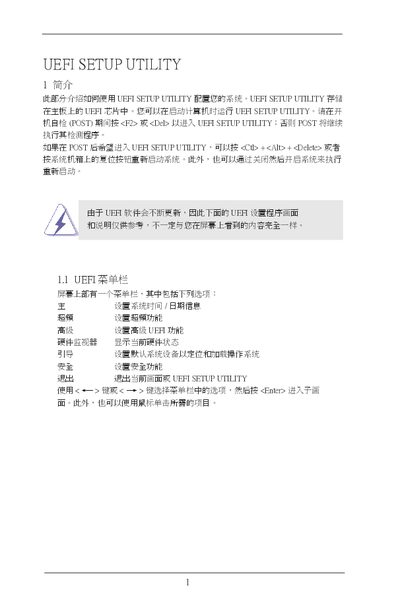
ASRock UEFI Setup Utility User Manual
The document provides step‑by‑step instructions for entering the UEFI Setup Utility, using the navigation keys, and accessing the various configuration screens such as the main screen, overclocking screen, advanced settings, CPU configuration, and safety options. It also describes how to load default values, enable features like Intel Turbo Mode, and adjust DRAM timings.
Additional sections cover saving or discarding changes before exiting, using the instant flash utility to update UEFI firmware, and troubleshooting messages that may appear during configuration. The guide is intended for users configuring ASRock motherboards via the UEFI interface. This manual is written in Chinese.
Covers: Entering the UEFI Setup Utility · Navigation Keys · Main Screen Overview · Overclocking Screen · Advanced Settings · CPU Configuration
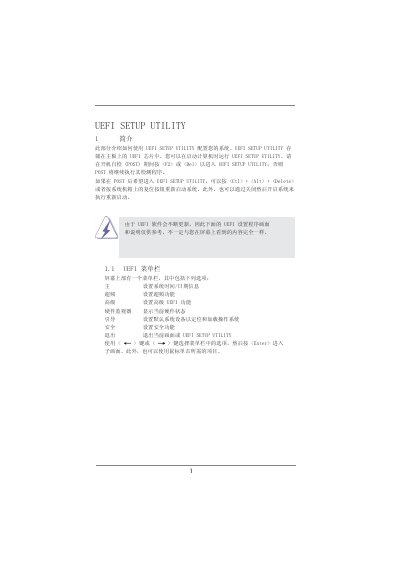
ASUS UEFI Setup Utility User Manual
The UEFI Setup Utility is stored in the motherboard's UEFI chip and can be launched during the Power‑On Self‑Test by pressing <F2> or <Del>. Alternative entry methods include <Ctrl>+<Alt>+<Delete> after POST or a system reset. The utility provides a menu bar with options for main settings, system time/date, overclocking, advanced features, hardware monitoring, boot configuration, and security.
The manual details each configuration screen, such as the Overclocking screen for CPU/GPU frequency and voltage adjustments, the Advanced screen for CPU features like Intel SpeedStep and Turbo Boost, and the Hardware Health screen for fan speeds and temperature protection. It also covers boot order, security password settings, and the process for saving or discarding changes before exiting. This manual is written in Chinese.
Covers: Introduction · Navigation Keys · Main Screen · Overclocking Screen · Advanced Settings · CPU Configuration
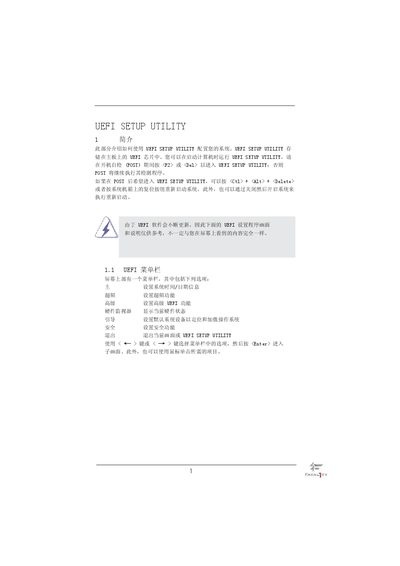
UEFI Setup Utility User Manual
This manual provides step‑by‑step instructions for accessing the UEFI Setup Utility, navigating its menu bar, and using the keyboard or mouse to change system settings. It covers basic functions such as setting the system date/time, loading default values, and saving or discarding changes.
Detailed sections describe overclocking options, CPU and memory voltage adjustments, advanced chipset configurations, hardware health monitoring, boot device priority, and security settings. The guide also explains the Instant Flash utility for updating the UEFI firmware without an operating system. This manual is written in Chinese.
Covers: Introduction · Navigation Keys · Main Screen Overview · Overclocking Settings · Frequency and Timing Adjustments · Advanced Chipset Configuration
Latest UEFI manuals
UEFI SETUP UTILITY (1)
UEFI SETUP UTILITY is the BIOS setup program of ASRock motherboard. The program allows users to set the system time, date, advanced UEFI features, hardware monitor, boot, security, etc.
UEFI SETUP UTILITY
This document introduces the use of UEFI SETUP UTILITY, including setting system time/date information, setting overclocking function, setting advanced UEFI function, showing current hardware status, setting default system device to locate and load operating system, setting security function, etc.
UEFI SETUP UTILITY User Manual
User Manual 21 pages · 558 KB · ZHThis manual explains how to access, navigate and configure the UEFI Setup Utility, including system, over‑clocking, power and hardware‑monitoring settings.
ASRock UEFI Setup Utility User Manual
User Manual 21 pages · 3.4 MB · ZHThis user manual explains how to navigate and configure the ASRock UEFI Setup Utility, covering main menu, overclocking, safety, and saving settings.
ASUS UEFI Setup Utility User Manual
User Manual 19 pages · 351 KB · ZHThis ASUS UEFI Setup Utility manual explains how to access the UEFI interface, navigate menus, and configure overclocking, voltage, and other system settings.
UEFI Setup Utility User Manual
User Manual 18 pages · 432 KB · ZHThe UEFI Setup Utility User Manual explains how to configure BIOS/UEFI settings, navigate menus, adjust overclocking, voltage, and hardware monitoring on a…
ASRock UEFI Setup Utility User Manual
User Manual 20 pages · 351 KB · ZHThis user manual explains how to navigate and configure the UEFI Setup Utility, covering menu options, overclocking settings, and hardware monitoring.
Which document do I need?
User Manual
Day-to-day operation, settings and troubleshooting. Start here if the product is already set up.
Questions answered in UEFI manuals
How do I enter the UEFI Setup Utility?
Press <F2> or <Del> during POST, or press Ctrl+Alt+Delete, or use the dedicated key combination shown on the motherboard.
How do I save changes and exit the UEFI Setup Utility?
Select the option to save changes (e.g., press <F10> or choose Yes when prompted) and then exit the utility.
How do I enter the UEFI Setup Utility?
Press <F2> or <Del> during the POST, or use <Ctrl>+<Alt>+<Delete> after POST, or restart the system.
Which key loads the optimal default settings?
Press the F9 key to load all optimal default values.
How do I enter the UEFI Setup Utility?
Press <F2> or <Del> during the Power‑On Self‑Test (POST) to launch the UEFI Setup Utility.
Which key saves changes and exits the UEFI Setup Utility?
Press <F10> to save the changes and exit the UEFI Setup Utility.