
The Nokia Nseries PC Suite is a set of PC applications that can be installed on a compatible PC.
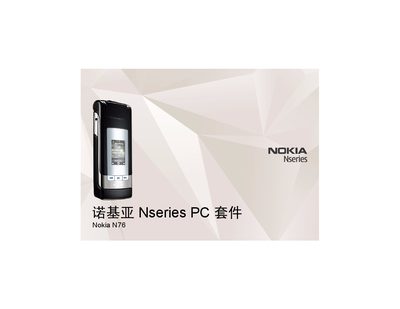
The Nseries PC Suite is a software package that lets a Nokia N76 phone synchronize contacts, calendar, tasks, photos, music and other data with a compatible PC. It provides tools such as a Personal Information Manager, music manager, photo manager and update manager.
To use the suite, a PC must run Microsoft Windows XP (SP1 or SP2) or Windows Vista and have a USB interface that supports the required functions. The software installs to the default folder C:\Program Files\Nseries PC Suite and can be launched from the Start menu after installation. This manual is written in Chinese.
| Supported operating systems | Microsoft Windows XP (SP1 or SP2) or Windows Vista |
|---|---|
| Installation directory | C:\Program Files\Nseries PC Suite |
| Required interface | USB |
The suite runs on Microsoft Windows XP (SP1 or SP2) or Windows Vista.
It installs to the folder C:\Program Files\Nseries PC Suite.
It includes a Personal Information Manager for contacts, calendar and tasks, a music manager, a photo manager, and an update manager.