
The GT540 phone by LG is designed to operate with the latest digital mobile communication technology. It is advanced and compact. However, it is not recommended for visually impaired individuals due to its touch-screen keypad.
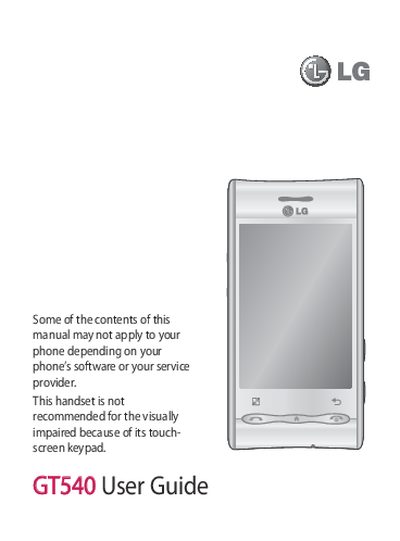
This user guide provides step-by-step instructions for setting up and using the LG GT540 phone. It covers installing the SIM card and battery, charging, using the touchscreen, making calls, sending messages, using the camera and media features, and managing settings. The guide also includes troubleshooting tips for common issues like SIM errors or no network connection.
The manual is designed for users who want to understand how to operate the phone’s features, including personalizing the home screen, using Google apps, managing Wi-Fi, and updating software. Safety and battery care instructions are included, along with guidelines for safe use and disposal of the device.
Contact your service carrier to obtain the details of its access point name.
Set up Wi-Fi by selecting the network profile, and obtain the MAC address if needed.