
The product is a W 500 SD running shoe from the Kalenji brand. It has a supportive sole and is made with a breathable material.
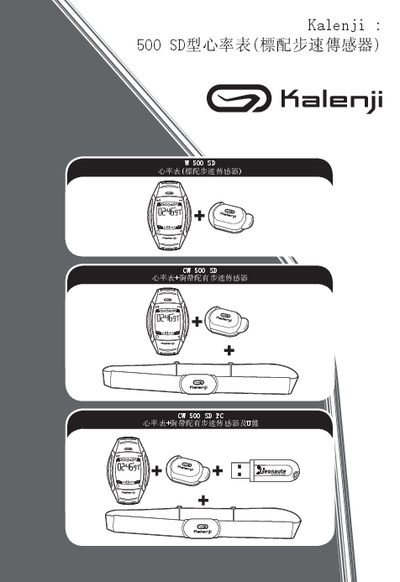
This guide explains how to use the Kalenji 500 SD heart rate monitor, including setting up training modes like FREE, INTERVALS, and CHALLENGE. It details how to pair sensors, manage data, and adjust settings for personal fitness goals. The manual also covers troubleshooting common issues such as sensor errors or battery warnings.
The device features an ANT+ compatible display for accurate heart rate and speed tracking, with support for chest straps and speed sensors. It includes a large screen with intuitive navigation and automatic data logging for training sessions. This manual is written in Japanese.
| Sensor Compatibility | ANT+ compatible |
|---|---|
| Accuracy | 98% accuracy for speed and distance |
| Battery Management | Battery low warning |
Pair the sensor by placing it in the designated slot and aligning it with the front-facing metal plate.
Check sensor placement, ensure it’s properly aligned, and verify battery levels.