
The document contains information about the features and characteristics of Kalenji products.
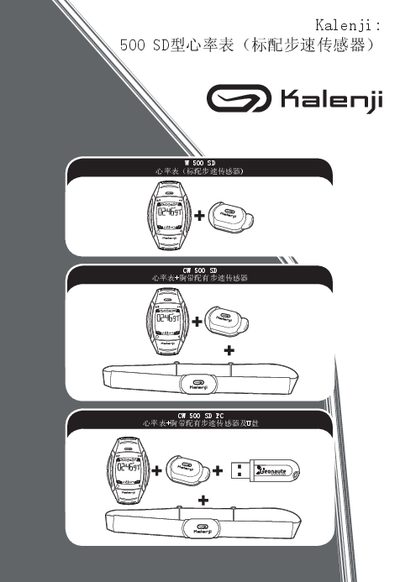
This manual explains how to set up and use the Kalenji 500 SD heart rate monitor. It covers basic functions such as heart‑rate measurement, speed and distance tracking, and the various operating modes (FREE, INTERVALS, CHALLENGE). Detailed instructions are provided for navigating the interface, adjusting settings, and interpreting the data displayed on the large high‑definition screen.
Additional sections describe proper sensor placement, how to replace the chest‑strap heart‑rate sensor, troubleshooting common issues, warranty information, and optional accessories. The guide is intended for end‑users who want to get the most out of their fitness watch. This manual is written in Japanese.
| Heart rate sensor type | Chest strap (W 500 8D) |
|---|---|
| Operating modes | FREE, INTERVALS, CHALLENGE |
| Display | Large high‑definition screen |
Press the mode button to cycle through the available modes: FREE, INTERVALS, and CHALLENGE.
Remove the existing chest‑strap sensor and attach a new one compatible with the 500 SD model.
Check the sensor placement and ensure the chest strap is snug; refer to the troubleshooting section for further steps.