
Key facts
- Brand
- Kalenji
- Model
- 500 SD
- Documents
- 2
- Languages
- JA
- Last added
- 2012-03-12
Start here
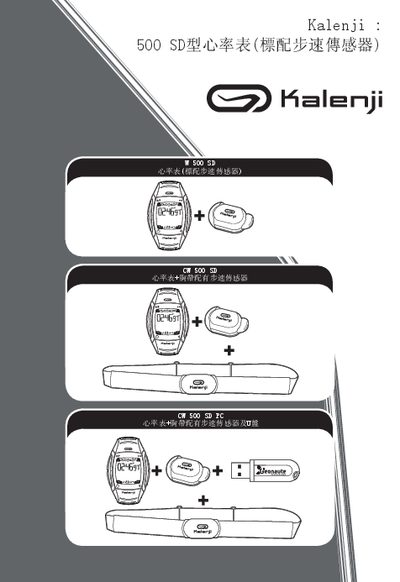
Kalenji 500 SD Heart Rate Monitor User Guide
This guide explains how to set up the Kalenji 500 SD heart rate monitor, including attaching the heart‑rate strap, positioning the speed sensor, and charging the device. It also describes the main functions such as time display, distance, speed, and the various training modes (FREE, INTERVALS, CHALLENGE).
The manual covers how to navigate the interface, adjust personal parameters (age, weight, height), manage battery life, and resolve common issues. Detailed troubleshooting steps and technical specifications are provided for reference. This manual is written in Japanese.
Kalenji 500 SD specifications
| Heart rate sensor type | Chest strap (W 500 8D) |
|---|---|
| Operating modes | FREE, INTERVALS, CHALLENGE |
| Display | Large high‑definition screen |
All Kalenji 500 SD documents by type
Day-to-day operation, settings and troubleshooting. Start here if the product is already set up.
Questions answered in these manuals
How do I replace the heart‑rate strap?
Remove the existing strap and attach a new one as described in the guide.
How do I switch between the watch modes?
Press the mode button to cycle through the available modes: FREE, INTERVALS, and CHALLENGE.
How can I replace the heart‑rate sensor?
Remove the existing chest‑strap sensor and attach a new one compatible with the 500 SD model.