
This document is about the user manual for the external desktop My Book Pro Edition™ II, which describes the product's configuration requirements, LED indicators, interface selection, and other features.
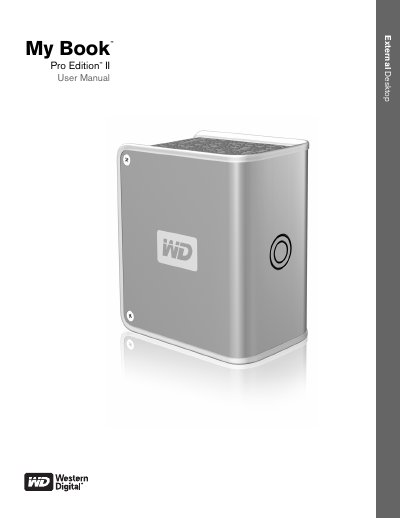
This manual guides you through getting started with the My Book Pro Edition II, including kit contents, system requirements, and operating‑system updates for both Mac and Windows. It also explains how to register the product and outlines handling precautions to protect the drive.
Further sections cover the drive’s RAID options, LED indicators, interface choices (FireWire 800, FireWire 400, USB 2.0), connecting the device, replacing the internal drive, and troubleshooting common issues. The appendix provides regulatory compliance, warranty details, and support contact information.
| Supported Interfaces | FireWire 800, FireWire 400, USB 2.0 |
|---|---|
| Default RAID Mode | RAID 0 (Striped) |
| Optional RAID Mode | RAID 1 (Mirrored) |
| Capacity Gauge Sections | 6 sections, each ~17% of disk space |
| Kensington Security Slot | Standard slot for optional cable |
| Power/Activity LED States | Steady, fast flashing, slow flashing |
Open the Apple menu and select Software Update.
Register online at register.wdc.com.
Do not drop or jolt the device, avoid moving it while active, do not use it as a portable device, and keep ventilation slots unblocked.