
This manual is about ROUTE 66 Bluetooth GPS Wireless Bluetooth Satellite Receiver. It introduces the features, characteristics, usage methods, technical specifications, etc. of the product.
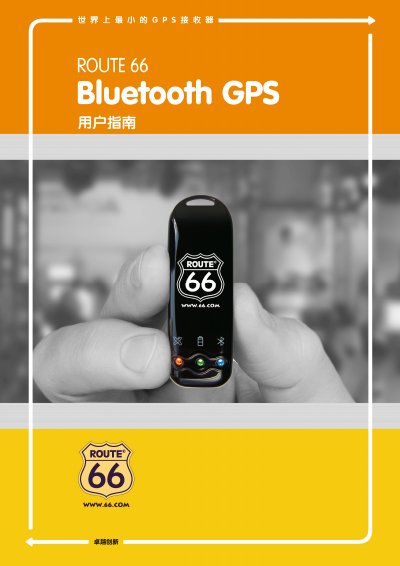
The ROUTE 66 Bluetooth GPS Receiver is a compact satellite positioning device with a rechargeable lithium‑ion battery, built‑in GPS antenna and Bluetooth transceiver. It uses a SiRF third‑generation low‑power chip and supports up to 20 satellites for fast, accurate positioning.
The manual covers packaging contents, main functions, technical specifications, hardware description, Bluetooth installation, USB driver setup, warranty information and a detailed troubleshooting guide to help users get the most out of the device. This manual is written in Chinese.
| Chipset | SiRF third‑generation low‑power Star III |
|---|---|
| Satellite Tracking | Tracks up to 20 satellites |
| Update Rate | 1 Hz |
| Power Supply | 5 V DC ±5 % |
| Battery | Rechargeable Li‑ion (primary) + 3 V backup |
| Operating Current | 75‑85 mA (continuous mode) |
| Battery Life | ≈8 hours continuous use |
| Output Interface | NMEA‑0183 V2.2 at 38400 bps |
| Position Accuracy | 5‑25 m radius (no SA code) |
The device may be indoors, blocked by a roof or glass, or the battery may be empty; move it outdoors, ensure the antenna has a clear view of the sky, and verify the battery LED is on.
Check that the Bluetooth module is properly installed and reinstall it according to section 5.2 if necessary.