
Key facts
- Manuals
- 3
- Models
- 1
- Languages
- ZH
- Last added
- 2012-04-11
ROUTE models by category
Featured ROUTE manuals
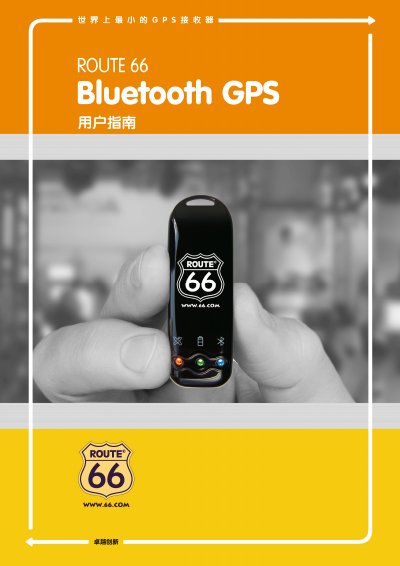
ROUTE 66 Bluetooth GPS Receiver User Manual
The ROUTE 66 Bluetooth GPS Receiver is a compact satellite positioning device with a rechargeable lithium‑ion battery, built‑in GPS antenna and Bluetooth transceiver. It uses a SiRF third‑generation low‑power chip and supports up to 20 satellites for fast, accurate positioning.
The manual covers packaging contents, main functions, technical specifications, hardware description, Bluetooth installation, USB driver setup, warranty information and a detailed troubleshooting guide to help users get the most out of the device. This manual is written in Chinese.
Covers: Introduction · Packaging · Main Functions · Technical Specifications · Getting Started · Bluetooth Installation
Latest ROUTE manuals
ROUTE 66 MOBILE8 When the line software CHICAGO navigation user manual
ROUTE 66 MOBILE 8 Navigation Software CHICAGO Navigation Device User Manual, introduces how to use this navigation software.
ROUTE 66 mobile 7 user manual
This user manual describes how to use the ROUTE 66 navigation product, including guiding to a destination, path planning and customizing navigation experience.
ROUTE 66 Bluetooth GPS Receiver User Manual
User Manual 34 pages · 2.1 MB · ZHThe ROUTE 66 Bluetooth GPS Receiver user manual provides product overview, specifications, setup, operation, and troubleshooting.
Which document do I need?
User Manual
Day-to-day operation, settings and troubleshooting. Start here if the product is already set up.
Questions answered in ROUTE manuals
Why is there no satellite signal?
The device may be indoors, blocked by a roof or glass, or the battery may be empty; move it outdoors, ensure the antenna has a clear view of the sky, and verify the battery LED is on.
How can I fix a Bluetooth connection failure?
Check that the Bluetooth module is properly installed and reinstall it according to section 5.2 if necessary.