
This document describes the configuration methods of file system management, configuration file management, FTP configuration, TFTP configuration, system IP configuration, device management, system maintenance and SNMP configuration of Quidway S2000 series Ethernet switches.
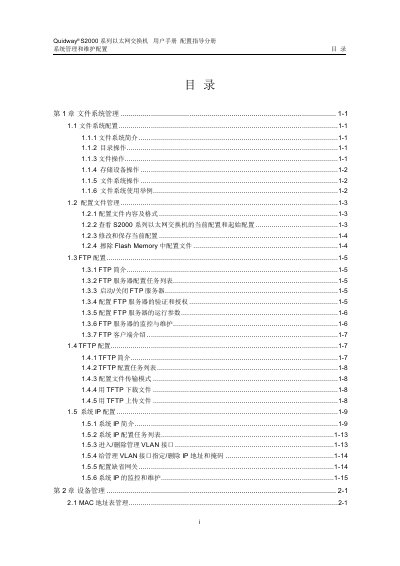
This manual provides step‑by‑step instructions for configuring and managing the Quidway S2000 network switch. It covers file system operations, FTP/TFTP services, IP and MAC address settings, SNMP, and RMON monitoring.
The document is organized into sections that describe each configuration area, include command‑line examples, and explain how to verify settings using show commands. It is intended for network administrators and technicians who need to set up or maintain the S2000 switch. This manual is written in Chinese.
| Maximum FTP users | 5 |
|---|
Enter configuration mode and use the command `ftp server enable` to start the FTP service.
Run `show ftp-server` to see whether the FTP server is running and its configuration details.
In configuration mode, use `user