
This document describes how to configure the AUX interface on the Quidway ME60 high-end router, including configuring link protocol types, configuring MTU, and configuring backup interfaces.
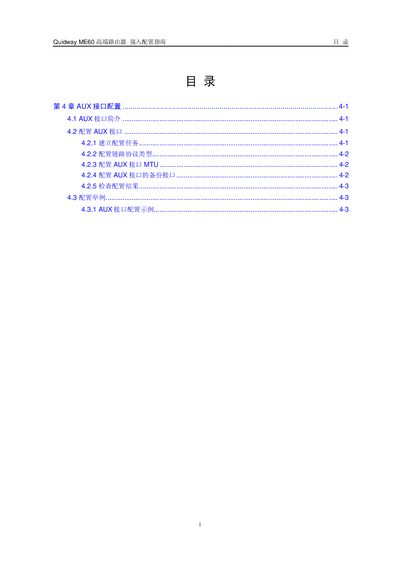
This chapter from the Quidway ME60 high-end router access configuration guide explains the AUX interface, also called the auxiliary or backup interface, which supports asynchronous communication only. It describes how to connect a Modem to the AUX interface for remote configuration of the ME60.
The chapter provides the configuration workflow and command steps for entering the AUX interface view, setting the link protocol to PPP, configuring the MTU, assigning a backup interface with standby commands, and checking the results with display commands. It also includes an AUX interface configuration example. This manual is written in Chinese.
| AUX interface link protocol | PPP (default) |
|---|---|
| AUX interface MTU range | 128–1500 bytes |
| Default AUX interface MTU | 1500 bytes |
| AUX interface communication mode | Asynchronous only |
The AUX interface, also called the auxiliary or backup interface, supports asynchronous communication only. Connecting a Modem to it allows remote configuration of the ME60.
The default AUX interface link protocol is PPP, and it is set with the link-protocol ppp command in the interface view.
Use display interface aux to view AUX interface configuration and status, and display ip interface aux to view network-layer configuration and statistics.
With standby interface, switching to the backup interface occurs by priority only when the primary interface is down. Only one interface transmits data at a time, and load sharing between interfaces is not supported.