
Sun QFS Sun SAM-FS and Sun SAM-QFS 4.0 Release Notes
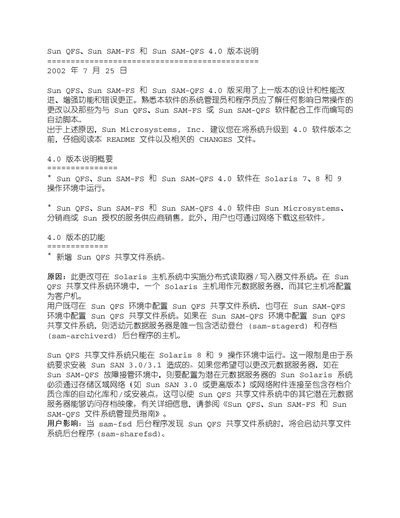
This manual describes the Sun QFS, Sun SAM-FS and Sun SAM-QFS 4.0 software, which runs on Solaris 7‑9. It explains new features such as the shared file system, quota management, Access Control List support, and disk‑archiving capabilities, as well as changes to mount options and background processes.
The document also provides operational guidance for administrators, including how to configure ports, manage trace files, and use the System Error Facility (SEF) for logging. References to related online manuals and part numbers are included for further detail. This manual is written in Chinese.
| Default split width | stzipe=0 (circular) |
|---|---|
| Minimum allocation size | 8*DAU |
| Maximum allocation size | 32*DAU |
| Trace file default behavior | No messages written by default |
| ACL support | Enabled for QFS, SAM-FS, SAM-QFS |
| Quota support | Enabled for files and blocks |
The default split width is set to stzipe=0, which uses a circular method.
Yes, quotas can be set per user, group, or admin group for file and block counts.
Yes, ACL functionality has been added to Sun SAM-FS, providing fine‑grained permission control.