
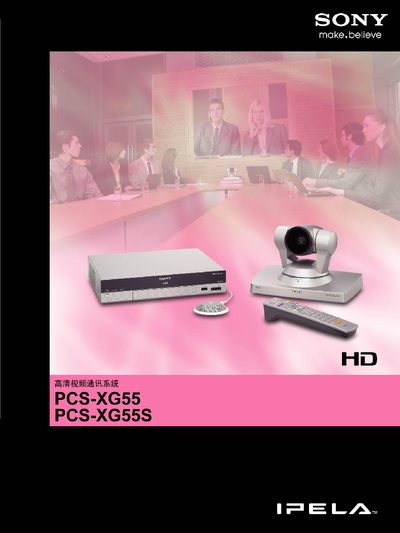
The PCS‑XG55 series delivers high‑definition 720p video at up to 60 fps using an H.264 decoder and Sony’s BrightFace camera technology, which optimises brightness for low‑light rooms. Audio is encoded with MPEG‑4 AAC and includes built‑in echo cancellation. Advanced QoS functions such as adaptive forward error correction (FEC), automatic repeat request (ARQ) and adaptive rate control (ARC) ensure stable transmission over IP networks, while ITU‑T H.239 support enables video‑plus‑presentation data sharing at 30 fps.
The system connects to displays via a single HDMI cable that carries both audio and video, and it is backward‑compatible with standard‑definition equipment. Weighing only about 2.0 kg, the compact unit can be installed in boardrooms, classrooms or small meeting rooms. Additional features include an RF remote with one‑touch dialing, video annotation via a graphics tablet, multiple display layouts, up to 100 camera presets, and support for IPv6 and firewall traversal. This manual is written in Chinese.
| Video resolution | 1280 x 720 pixels |
|---|---|
| Video frame rate | 60 fps |
| Audio codec | MPEG‑4 AAC |
| Weight | ≈ 2.0 kg |
| Supported QoS functions | FEC, ARQ, ARC |
It supports 1280 × 720 pixel HD video at up to 60 frames per second.
A supplied HDMI cable provides a single‑cable connection that carries both audio and video signals.