
This document introduces the use of color camera LV300P-BA/CA LV300N-BA/CA, including installation, operation, adjustment, etc.
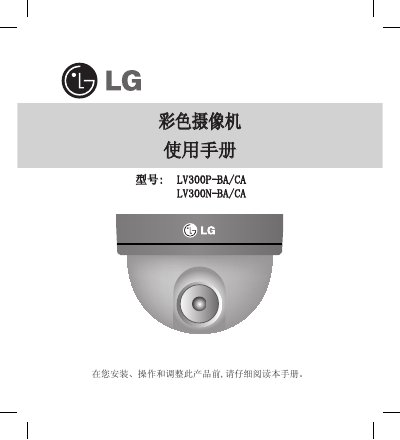
This manual begins with important safety warnings and installation guidelines for the LG LV300 series camcorder, including proper mounting, wiring, and dip‑switch configuration. It emphasizes professional installation, environmental limits, and precautions to avoid electric shock or damage.
Subsequent sections cover operation details such as focus adjustment, automatic iris and white‑balance settings, troubleshooting tips for image quality issues, and a full specification table describing signal standards, lens parameters, power consumption, temperature ranges, and physical dimensions. This manual is written in Chinese.
| Signal Standard | NTSC / PAL |
|---|---|
| Total Pixels | 410K (NTSC) / 380K (PAL) |
| Power Supply | AC 4 V, < 3 W |
| Operating Temperature | -10 °C ~ 50 °C |
Mount the camcorder to the ceiling using M4 self‑tapping screws, align the LG logo toward the monitoring area, then adjust the tilt and focus using the provided screws and levers.
The ELC/ALC dip‑switch defaults to ALC (automatic iris).