
This document is a user manual for microwave ovens, introducing the placement, safety precautions, cooking precautions, and various functions and settings of the NN-DS581M and NN-DS591M models. It also explains the heating principle of microwave ovens, food characteristics, cooking techniques, and maintenance methods.
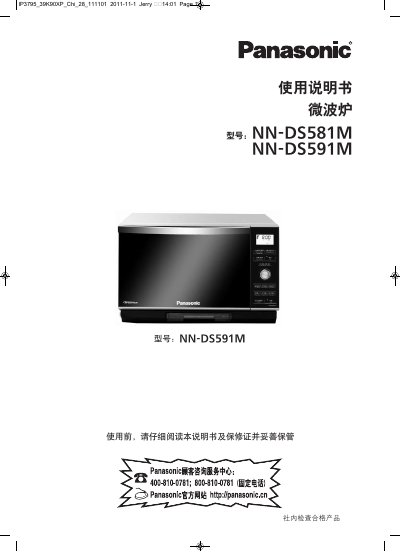
This manual explains how to install, safely operate, and maintain the Panasonic NN-DS581M and NN-DS591M microwave ovens. It covers placement, safety precautions, control‑panel functions, cooking modes such as microwave, steam, grill, bake, ferment, and child‑safety lock settings, as well as cleaning and maintenance procedures.
The document also lists the technical specifications of the ovens, including voltage, power ratings, dimensions, cavity volume and microwave frequency, and provides a troubleshooting section for common error codes and operating problems. This manual is written in Chinese.
| Rated Voltage | 220 V ~ 50 Hz |
|---|---|
| Overall Dimensions (W×D×H) | 529 mm×475 mm×340 mm |
| Cavity Dimensions (W×D×H) | 338 mm×336 mm×191 mm |
| Microwave Frequency | 2,450 MHz |
Press the lock button three times to set the child safety lock, and press three times again to cancel it.
Make sure the power plug is firmly inserted; if not, unplug the oven, wait 10 seconds, then plug it back in.
After the oven has cooled, wipe the cavity, water tank and decorative plate to remove any moisture.
Error code U14 means the oven’s water tank is empty; fill the tank with water to clear the error.