
UPX-C200 is a practical software that allows users to load photos from a camera, select appropriate layouts, and print them.
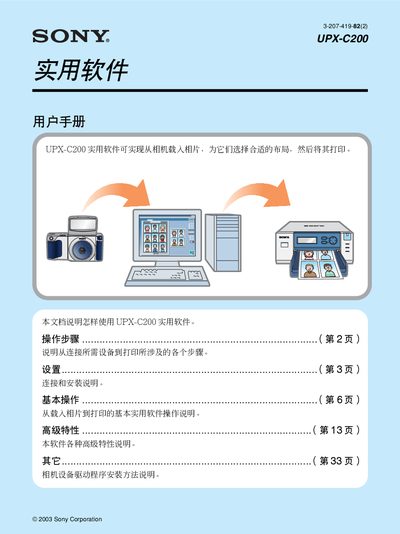
This manual provides step‑by‑step instructions for using the Sony UPX‑C200 software, which loads photos from a camera, lets you choose layouts, and prints the images. It covers connecting the camera and printer, installing required drivers, and basic software functions.
Key sections include system requirements, hardware connection (USB or SCSI), driver and software installation, basic operation, layout selection, and printing procedures. The guide also details USB class settings and troubleshooting tips for Windows installation. This manual is written in Chinese.
| Supported Operating Systems | Windows XP Home/Professional, Windows Millennium, Windows 2000 Professional, Windows 98 Second Edition |
|---|---|
| CPU | Pentium II 400 MHz or higher |
| Memory | 64 MB minimum (recommended 128 MB) |
| Interface | 2 or more USB ports |
| Display | 24‑bit color, 800 × 600 pixels or higher |
The software runs on Windows XP Home or Professional, Windows Millennium, Windows 2000 Professional, and Windows 98 Second Edition.