
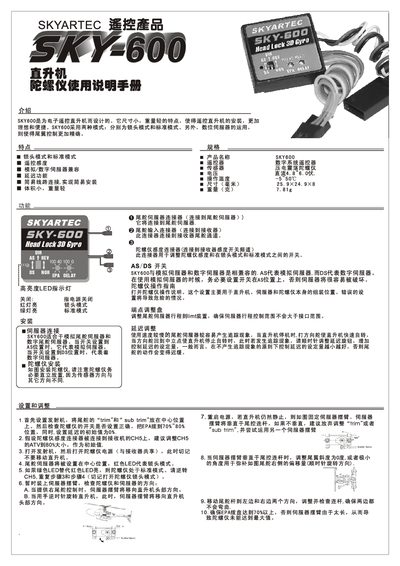
The SKY600 is a lightweight gyroscope designed for electronic RC helicopters. It supports two operating modes – lockhead mode and standard mode – and works with both analog and digital servos for precise tail control.
The manual explains how to install the gyroscope, connect the sensitivity and servo cables, adjust delay settings, and switch between modes using the LED indicators. It also includes safety precautions such as waiting for the red LED to stop flashing before moving the helicopter. This manual is written in Chinese.
| Weight | 7.81 g |
|---|---|
| Dimensions | 25.9 x 24.9 x 8 |
| Operating Modes | Lockhead mode, Standard mode |
| Servo Compatibility | Analog and digital servos (As/DS) |
Use the mode switch; the red LED indicates lockhead mode and the green LED indicates standard mode.
Set the initial delay value to 0 %.
Connect the gyroscope sensitivity connector to CH5 on the receiver and set the ATV to 80 % as the initial value.
The SKY600 weighs 7.81 grams.