
Key facts
- Manuals
- 7
- Languages
- ZH
- Last added
- 2012-03-28
Featured SkyArtec manuals
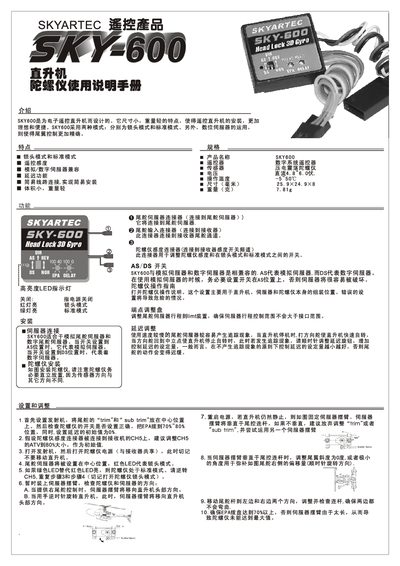
SkyArtec SKY600 User Manual
The SKY600 is a lightweight gyroscope designed for electronic RC helicopters. It supports two operating modes – lockhead mode and standard mode – and works with both analog and digital servos for precise tail control.
The manual explains how to install the gyroscope, connect the sensitivity and servo cables, adjust delay settings, and switch between modes using the LED indicators. It also includes safety precautions such as waiting for the red LED to stop flashing before moving the helicopter. This manual is written in Chinese.
Covers: Introduction · Features and Specifications · Functions · Gyroscope Installation · Settings and Adjustment · Precautions
Latest SkyArtec manuals
SKYARTEC SKY502 Manual
SKYARTEC SKY701 user manual
The product is a dual-lens wireless headset, which includes a charging box and a headset body. The headset body consists of the headset body and the headset handle. The headset body is equipped with a high-resolution audio decoding chip, which supports AAC and aptX audio encoding and decoding, and is equipped with a noise reduction algorithm, which can achieve environmental noise reduction and call noise reduction. There are touch buttons and LED indicator lights on the headset handle, which can control the functions of the headset by touching the buttons, such as turning on/off, playing/pausing music, answering/hanging up the phone, etc. The headset body and the headset handle are connected together by magnetic adsorption, which can achieve wireless charging. The charging box of the headset is equipped with a 200mAh battery, which can charge the headset 3 times. The headset's battery life is about 6 hours, and the charging box's battery life is about 24 hours. The headset supports IPx4 waterproof, which can adapt to outdoor sports and other scenarios.
SKYARTEC SKY501 Manual
SKYARTEC PPM-FM Manual
SKYARTEC WASP 100 Manual
SKYARTEC SKY702 Manual
SkyArtec SKY600 User Manual
User Manual 2 pages · 1.6 MB · ZHThe SkyArtec SKY600 user manual provides setup, operation, and adjustment instructions for the gyroscope controller of RC helicopters.
Which document do I need?
User Manual
Day-to-day operation, settings and troubleshooting. Start here if the product is already set up.
Questions answered in SkyArtec manuals
How do I switch between lockhead mode and standard mode?
Use the mode switch; the red LED indicates lockhead mode and the green LED indicates standard mode.
What is the recommended initial delay setting?
Set the initial delay value to 0 %.