
This document introduces the Nikon D80 camera's controls and menu settings.
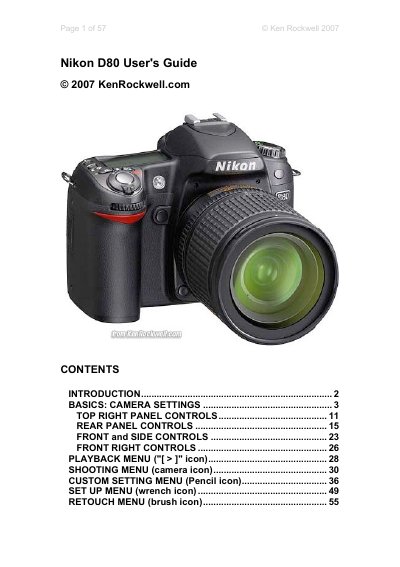
This guide walks you through the Nikon D80's basic controls, menu structure, and recommended settings. It covers everything from the top‑right panel buttons and rear‑panel menus to playback and retouch functions, helping you get the most out of the camera right out of the box.
In addition to basic operation, the manual provides tips on exposure compensation, ISO handling, white balance, image quality settings, and post‑capture features such as D‑Lighting, red‑eye correction, and color balance adjustments.
| Maximum image resolution | 3,872 x 2,592 pixels |
|---|---|
| JPEG quality mode | BASIC JPG compression |
| Maximum ISO (Auto ISO) | 1,600 |
| Default exposure compensation | -0.7 EV |
Hold the two green‑dot buttons (+/– and AF) together for a few seconds; the top LCD blinks and all settings return to normal.
Hold the +/- button used for reset and turn the rear dial two clicks to the right to set the compensation to –0.7 EV.