
This is a user manual for Nikon D200 camera
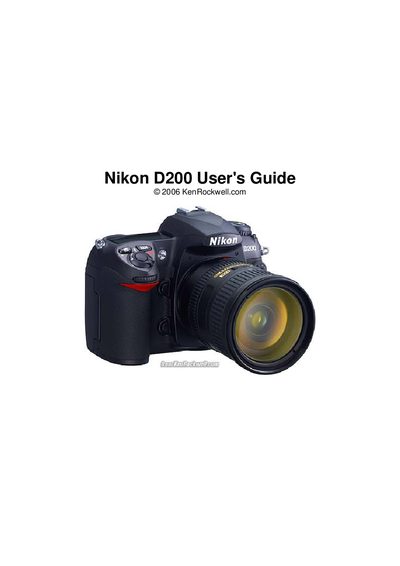
This guide provides a detailed reference for the Nikon D200 digital camera, describing every button, knob, and menu option. It includes step‑by‑step instructions for resetting the camera, adjusting ISO, white balance, flash settings, and creating custom shooting menu banks.
The document also offers practical advice on image quality, battery life, and recent‑settings shortcuts, making it a handy companion for both beginners and experienced photographers who want to get the most out of their D200.
| Maximum Auto ISO | 1,600 |
|---|---|
| Default Image Quality Mode | Large JPG BASIC |
Press and hold the flash button, then turn the rear dial; the mode appears on the top LCD.