
This is the user guide for Sony Ericsson Bluetooth Headset HBH-610, which provides information on how to use the headset and charging precautions.
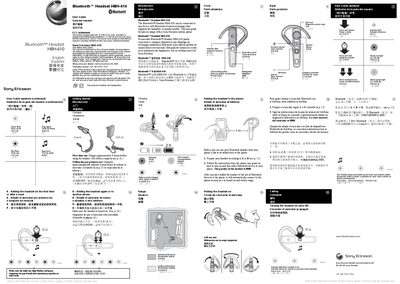
This guide explains how to set up the Sony Ericsson HBH-610 Bluetooth headset, including charging, pairing with a phone, and using its controls. It provides step‑by‑step instructions for first‑time use, adding the headset to a phone, and adjusting volume and ring settings.
The manual also covers voice command usage, battery status indicators, and troubleshooting common issues such as connection problems and low‑battery warnings. Regulatory information and FCC compliance details are included at the end of the document. This manual is written in Spanish.
| Charging time | approximately 8 hours |
|---|---|
| Passkey | 0000 |
| Indicator light colors | red and green |
| Low battery indicator | red flashing light and low beep |
Prepare the headset, then follow your phone’s Bluetooth pairing instructions; the headset’s passkey is 0000 and it will connect automatically when turned on and in range.
A red flashing light indicates that the battery is low and the headset will emit a low‑beep warning.
Charge the headset for about 8 hours before using it for the first time.
A green flashing light shows that the headset has been successfully added to the phone and is ready for use.