
The instruction manual of Fangzheng High-Definition Player V300 introduces the features, characteristics and usage methods of the product.
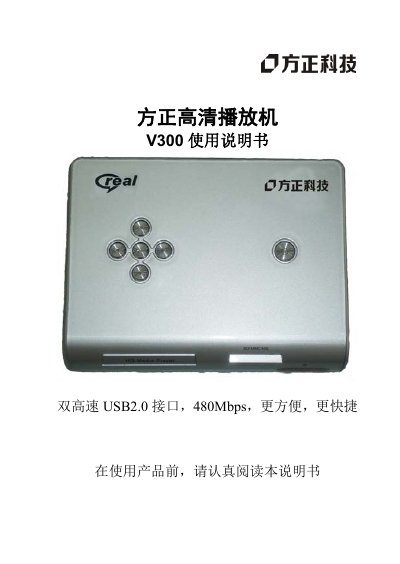
This manual provides a complete guide to using the Founder V300 HD Player, covering safety precautions, hardware connections, and operation of the built‑in media functions. It includes step‑by‑step instructions for quick installation, remote‑control key functions, and menu configuration.
The document also lists detailed product specifications such as supported video/audio formats, file system compatibility, power requirements, and environmental limits, helping users get the most out of the device. This manual is written in Chinese.
| Power Input | 5V/2A |
|---|---|
| File System Support | FAT16, FAT32, NTFS |
| Video Output | Composite AV, YPbPr (max 720P) |
| Audio Output | Stereo (dual‑channel) |
| Supported Video Formats | RM/RMVB, AVI, VOB, DAT, MPG, MPEG, MOV, 3GP, MP4, etc. |
| Supported Audio Formats | MP3, WMA, WAV, AAC, AC‑3, Real Audio, LPCM, OGG, etc. |
| Maximum Video Resolution | 1024×576 |
| USB Host Ports | 2 × USB2.0 HOST, 480 Mbps each |
| Operating Temperature | +5 °C to +50 °C |
| Storage Temperature Range | -10 °C to +70 °C |
Connect the supplied composite video cable from the player to the TV’s composite video input, then set the TV to video input mode.
The player supports FAT16, FAT32 and NTFS file systems.
A 5 V/2 A power adapter is required.