
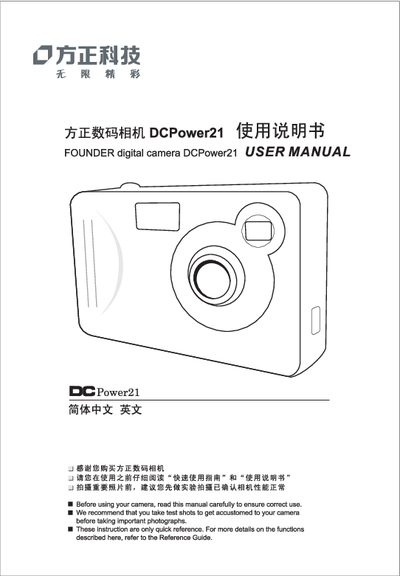
This manual provides step‑by‑step instructions for using the Founder DCPower21 digital camera, including battery installation, Smart Media card insertion, and basic operation of the LCD display. It also contains guidance on taking pictures, adjusting focal length, and troubleshooting.
Additional sections cover how to connect the camera to a PC, install required software, and transfer photos and videos. A specifications table lists the camera's maximum image resolution and LCD display resolution.
| Maximum image resolution | 1600 x 1200 pixels |
|---|---|
| LCD display resolution | 1024 x 768 pixels |
Refer to Chapter 1, which includes instructions for installing the batteries.
See Chapter 3: How to transfer photo and video to PC for hardware and software installation steps.