
This document is about the description and instructions of the FC9239-FC9220 model. It includes the appearance features, functional characteristics, and usage methods of the product.
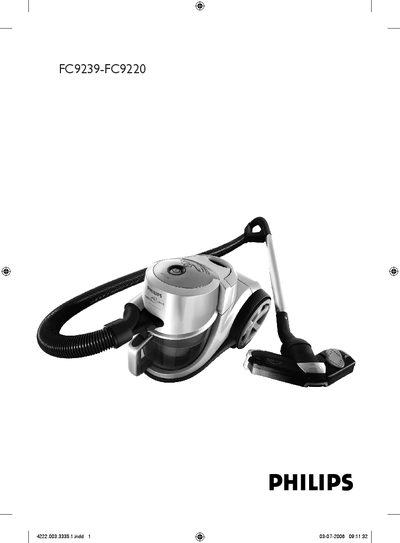
This manual provides step-by-step instructions for using the Philips FC9239-FC9220 vacuum cleaner, including connecting accessories, adjusting suction power, and using the Filter-Clean button. It also details cleaning and maintenance procedures, such as emptying the dust bucket and cleaning the filter cylinder case. Safety warnings are included, advising users not to suck up water or flammable substances and to keep the appliance out of children’s reach.
Push the hose firmly into the appliance until you hear a 'click'.
Use the MIN and MAX buttons on top of the appliance to adjust suction power to one of 5 different settings.
Always press the Filter-Clean button after vacuuming. The filter-cleaning process starts automatically and does not suck up dirt.