
This manual is intended to help you use your new digital camera. We have made every effort to ensure the accuracy of the information provided but, as with all things, the information is subject to change without notice.
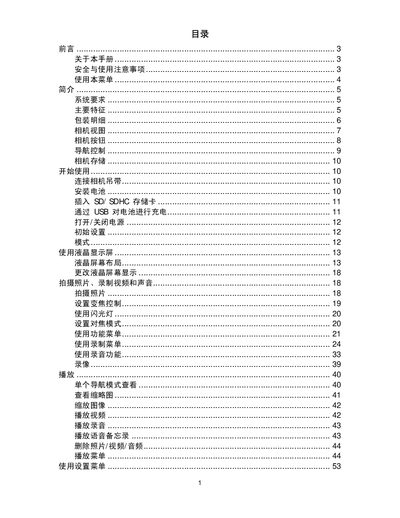
This manual provides step‑by‑step instructions for setting up and using the smart digital camera, including battery installation, SD card insertion, and basic operation of the LCD screen and menus.
It also details advanced functions such as video recording, audio capture, connectivity options (USB, TV output, computer), and includes a full specifications table and troubleshooting tips. This manual is written in Chinese.
| Sensor | SONY 14M 1/2.3 type |
|---|---|
| Focal Length | 4.7 mm – 23.5 mm |
| Internal Memory | 32 MB flash |
| External Storage | SD up to 4 GB, SDHC up to 32 GB |
| Dimensions | 97.5 × 57 × 18.1 mm |
| Weight | 110 g (without battery) |
Close the camera before installing or removing the battery.
Yes, you can charge the battery through the USB connection.
Use the AV output and select the TV connection option in the settings.