
This manual introduces the use of the digital camera. This manual includes the following contents:
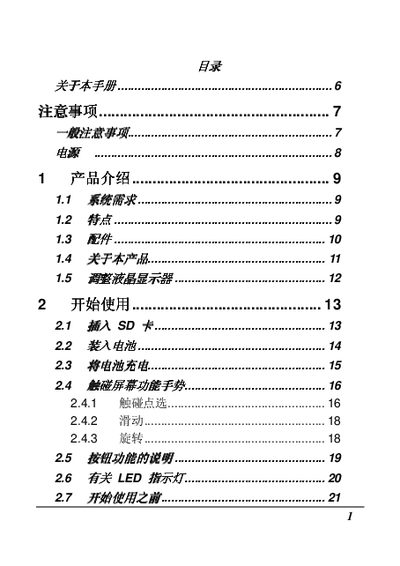
This manual provides essential information for safely using the Digital Camera 6, including general precautions, battery handling, and basic operation steps. It explains how to insert the battery, power the camera, and capture images.
The guide also details advanced features such as image playback, ISO settings, DPOF functions, and connectivity options (USB, HDMI). A troubleshooting section helps resolve common issues like power failures and focus problems. This manual is written in Japanese.
| Display | 3.0 inch touchscreen (16:9) |
|---|---|
| Flash | LED flash |
| USB Interface | USB 2.0 (high speed) |
| HDMI Interface | HDMI output |
| Dimensions | 110 x 58 x 50 mm |
| Weight | 224 g (without battery) |
Check that the battery is correctly inserted; if the battery is missing or faulty, replace it with a new one.
Make sure the subject is within the camera's focus range; if the object is out of focus distance, adjust the position or reset the focus.