
Key facts
- Manuals
- 4
- Categories
- 1
- Languages
- ZH · JA
- Last added
- 2012-02-28
Featured 智能数码相机 manuals
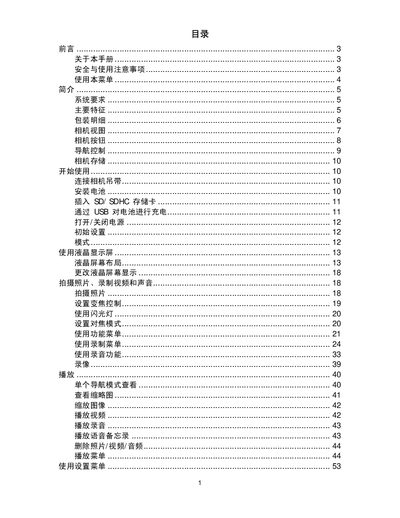
Smart Digital Camera User Manual
This manual provides step‑by‑step instructions for setting up and using the smart digital camera, including battery installation, SD card insertion, and basic operation of the LCD screen and menus.
It also details advanced functions such as video recording, audio capture, connectivity options (USB, TV output, computer), and includes a full specifications table and troubleshooting tips. This manual is written in Chinese.
Covers: Introduction · System Requirements · Main Features · Package Contents · Camera View · Camera Buttons
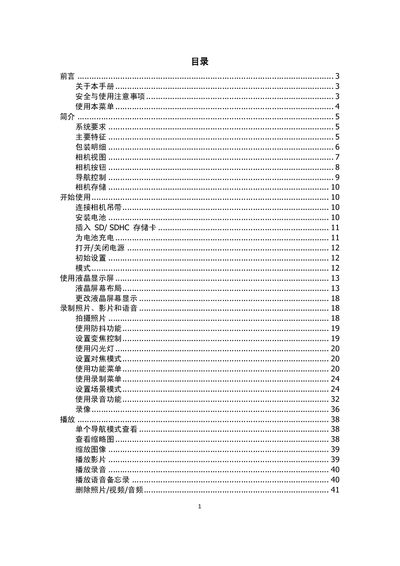
Smart Digital Camera User Manual
This manual provides step‑by‑step instructions for installing batteries, inserting SD/SDHC cards, and configuring basic settings such as language, date/time, and display options. It also describes how to connect the camera to a TV, computer, or printer and explains the functions of the LCD screen and navigation buttons.
Additional sections cover safety precautions, battery handling, storage recommendations, and a detailed troubleshooting guide. Technical specifications of the camera, including sensor type, lens focal length, zoom capabilities, and environmental limits, are listed at the end of the document. This manual is written in Chinese.
Covers: Preface · Safety and Usage Precautions · Using the Menu · Package Contents · Camera View · Camera Buttons
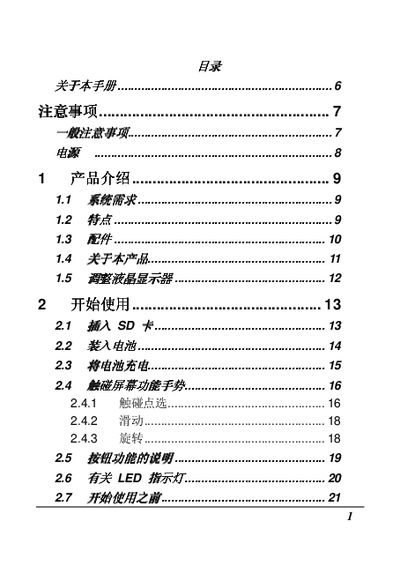
Z7 Digital Camera User Manual
This manual covers important safety precautions for handling the Z7 digital camera, including warnings about liquid exposure, temperature limits, and proper battery usage. It also explains how to install and charge the battery, operate the camera's shooting modes, and use playback functions.
Additional sections describe the camera's technical specifications, such as zoom capabilities, display size, and connectivity options, as well as a troubleshooting guide that lists common problems and their solutions. This manual is written in Japanese.
Covers: Safety Precautions · Battery Installation and Charging · Operation Instructions · Camera Settings and Zoom · Video Playback · Technical Specifications
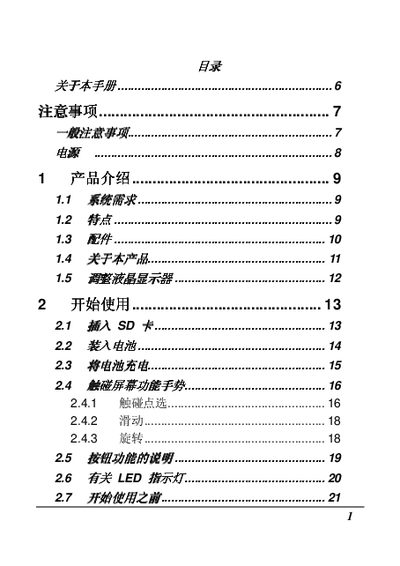
Digital Camera 6 User Manual
This manual provides essential information for safely using the Digital Camera 6, including general precautions, battery handling, and basic operation steps. It explains how to insert the battery, power the camera, and capture images.
The guide also details advanced features such as image playback, ISO settings, DPOF functions, and connectivity options (USB, HDMI). A troubleshooting section helps resolve common issues like power failures and focus problems. This manual is written in Japanese.
Covers: Precautions · Operation · Settings · Image Playback · Connectivity · Troubleshooting
Latest 智能数码相机 manuals
Smart Digital Camera User Manual
User Manual 63 pages · 4.5 MB · ZHComprehensive guide for operating the smart digital camera, covering setup, features, and troubleshooting.
Smart Digital Camera User Manual
User Manual 59 pages · 4.5 MB · ZHUser manual for a smart digital camera covering setup, operation, and troubleshooting.
Z7 Digital Camera User Manual
User Manual 88 pages · 6.1 MB · JAThe Z7 digital camera user manual provides safety instructions, operation guidelines, and troubleshooting tips.
Digital Camera 6 User Manual
User Manual 88 pages · 6.1 MB · JAUser manual for the Digital Camera 6, covering operation, safety precautions, and troubleshooting.
Which document do I need?
User Manual
Day-to-day operation, settings and troubleshooting. Start here if the product is already set up.
Questions answered in 智能数码相机 manuals
How do I install or remove the battery safely?
Close the camera before installing or removing the battery.
Can I charge the battery via USB?
Yes, you can charge the battery through the USB connection.
How should the battery be charged?
Only use the supplied battery and charger; other batteries or chargers may damage the device and void the warranty.
How can the camera be connected to a TV?
Use the USB/AV output and select the TV output mode in the settings menu.
What should I do if the camera does not turn on?
Check the battery; if it is not inserted correctly or is depleted, insert a fully charged battery or replace it with a new one.
How can I prevent liquid damage to the camera?
Avoid exposing the camera to any liquids; if liquid contacts the device, stop using it immediately and seek professional assistance.