
The document describes a product with specific functions and characteristics, including specifications, usage methods, and technical requirements.
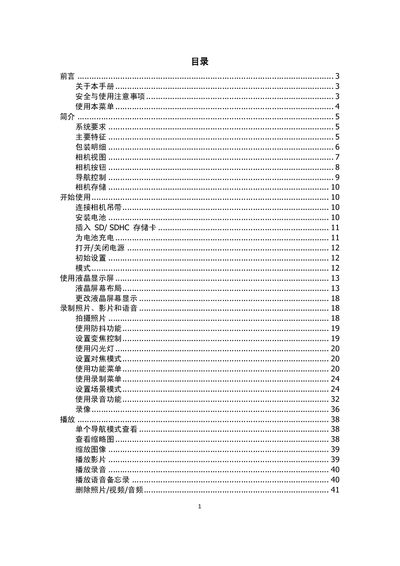
This manual provides step‑by‑step instructions for installing batteries, inserting SD/SDHC cards, and configuring basic settings such as language, date/time, and display options. It also describes how to connect the camera to a TV, computer, or printer and explains the functions of the LCD screen and navigation buttons.
Additional sections cover safety precautions, battery handling, storage recommendations, and a detailed troubleshooting guide. Technical specifications of the camera, including sensor type, lens focal length, zoom capabilities, and environmental limits, are listed at the end of the document. This manual is written in Chinese.
| Image sensor | SHARP 12M 1/2.3" |
|---|---|
| Lens focal length | 5.05‑20.2 mm |
| Digital zoom | 5× |
| LCD screen | 2.7" color LCD |
| Internal memory | 32 MB |
| Battery type | AA (5号电池) |
| Weight (without battery) | 115 g |
Only use the supplied battery and charger; other batteries or chargers may damage the device and void the warranty.
Use the USB/AV output and select the TV output mode in the settings menu.
The camera has a 2.7‑inch color LCD screen.