
This document provides important safety operating instructions, including handling personal data stored in memory, control panel functions, handling paper and originals, faxing photos or documents, copying, printing photos from memory cards, printing photos from a digital camera, replacing ink cartridges, maintenance, and troubleshooting methods.
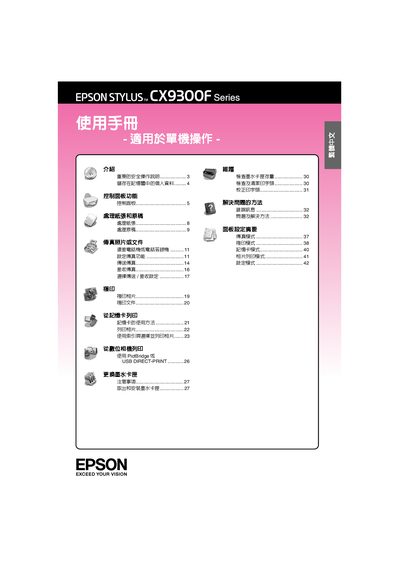
This manual covers important safety instructions, proper power usage, and handling of the printer to prevent injury or damage. It explains how to clear stored data, replace ink cartridges, and maintain the device safely.
The guide details control‑panel functions, paper‑handling settings, LCD brightness adjustment, fax/copy/photo modes, PictBridge printing, and power‑saving features. Troubleshooting steps and a maintenance checklist are provided to keep the printer operating reliably. This manual is written in Chinese.
| Paper Tray Thickness | 12 mm |
|---|---|
| Supported Paper Types | Epson Snow White Inkjet, Epson Photo, Epson Premium Photo, etc. |
| LCD Brightness Range | -10 to +10 |
Enter the Setup mode, choose “LCD Brightness”, and use the appropriate keys to increase or decrease the level.
Open the cartridge cover, remove the empty cartridge, insert the new one, and follow the on‑screen prompts.
When power is restored, the printer automatically resumes the job from the beginning and signals the process with beeps and LED indicators.