
Key facts
- Brand
- Nissin
- Model
- DI866
- Documents
- 3
- Languages
- JA
- Last added
- 2012-03-06
Start here
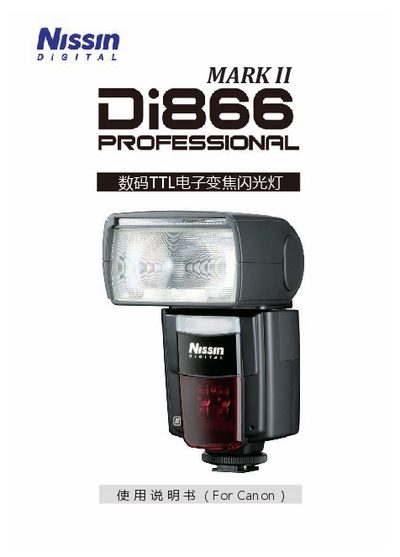
Nissin Di866 Flash Manual
This manual explains how to install and use the Nissin Di866 flash unit with compatible Canon EOS cameras. It covers both Mark I and Mark II versions, detailing the supported E‑TTL/E‑TTL II control system, high‑speed sync, and other shooting modes.
Safety precautions, battery replacement, component description, and warranty conditions are also included. The document warns against exposure to rain, high humidity, and temperatures above 40 °C, and provides guidance on proper handling to avoid injury or damage. This manual is written in Japanese.
Nissin DI866 specifications
| Weight | 380 g |
|---|---|
| Dimensions | 74 × 134 × 110 mm |
| Flash Power Capacity | 500 flashes at 0.7 s |
| Zoom Range | 24 – 105 mm |
Source: Nissin Di866 Mark II User Manual
All Nissin DI866 documents by type
Day-to-day operation, settings and troubleshooting. Start here if the product is already set up.
Questions answered in these manuals
How can the flash firmware be updated?
Connect the flash to a computer with a standard USB cable and use the Nissin website to download and install updates.
How many AA batteries are required for the Di866 Mark II?
The flash uses four AA batteries.
What is the flash zoom (coverage) range?
It covers a focal length range of 24‑105 mm.