
CDR-HD1000 is a product with new features. This document explains how to update the new features of CDR-HD1000 and how to use these new features. The updates include the addition of a timer recording function, improvement of the sync recording function, and the ability to set automatic detection of gaps between songs during sync recording.
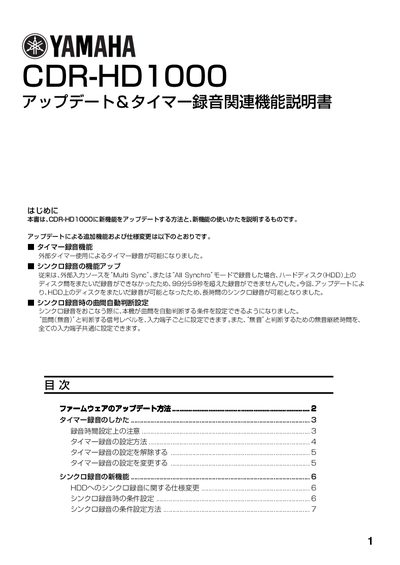
This manual provides step‑by‑step instructions for updating the CDR‑HD1000 firmware using an update disc, and describes the new timer recording functions that rely on an external timer. It also details how to configure recording modes such as Synchro and Auto Period.
Additional sections cover the enhanced sync recording capabilities introduced by the firmware update, allowing continuous recording across multiple HDD discs, and explain how to set input signal thresholds and silence detection times for optimal performance. This manual is written in Japanese.
| Silence detection time range | 0.5‑5.0 seconds |
|---|
The update allows recording to continue across multiple HDD discs, enabling recordings longer than 99:59 and automatically switching to the next empty disc without audio gaps.