
This document is the operating instructions of the Sony AIR-SA10 wireless speaker system, which introduces the product's usage methods and precautions.
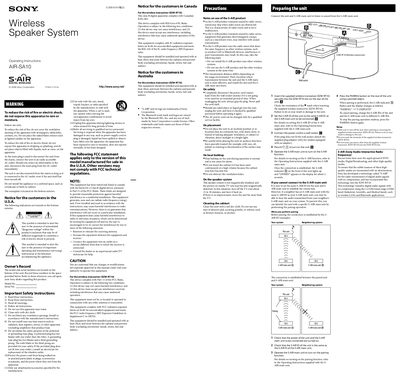
This manual begins with important safety instructions, placement recommendations, and power‑connection guidelines for the AIR‑SA10 wireless speaker system. It also covers regulatory notices for the United States, Canada, and Australia, and provides notes on using the S‑AIR wireless technology.
The second part explains how to prepare the unit, insert the EZW‑RT10 wireless transceiver, set the clock, pair with an S‑AIR main unit, adjust volume, use timers, and troubleshoot common issues such as flashing standby indicators or loss of sound.
| Power output (RMS) | 4 W per channel minimum |
|---|---|
| Total harmonic distortion | ≤ 10 % THD |
| Headphone jack output | Accepts 8 Ω or higher headphones |
| Speaker units | 65 mm cone type (2) |
| Speaker nominal impedance | 3 Ω |
| Wireless transceiver output power | 12 mW |
| Wireless frequency band | 2.4000 GHz – 2.4835 GHz |
Turn on the unit, press the CLOCK/TIMER MENU button, select the clock set mode, and use the hour/minute buttons to adjust the time.
Immediately unplug the power cord, check that ventilation holes are not blocked, then reconnect and turn the unit on again.
With the unit powered on, press Ml, DISPLAY, and I/C buttons simultaneously; all user settings will be deleted.