
Quality Center Installation Steps, including installation environment and installation steps
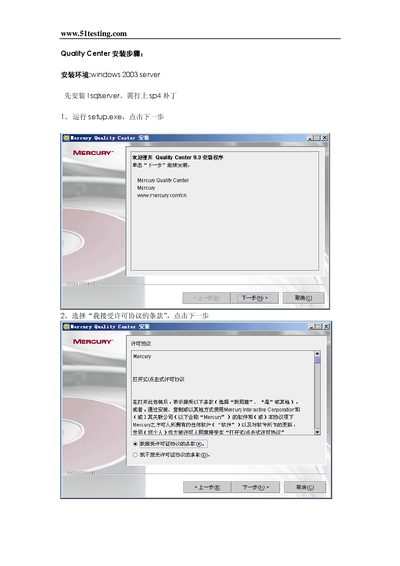
This manual provides step‑by‑step instructions for installing Mercury Quality Center. It covers required prerequisites such as Windows 2003 Server, SQL Server, and JBoss, and explains how to accept the license terms and configure the application.
The guide walks the user through database setup, JBoss integration, and final configuration of paths and user accounts, ensuring a complete installation ready for use. This manual is written in Chinese.
| Supported Operating System | Windows 2003 Server |
|---|---|
| Required Database | SQL Server |
The installation requires Windows 2003 Server.
SQL Server must be installed first.
Select the option that says “I accept the terms” and click the next button.